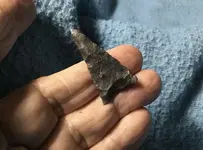
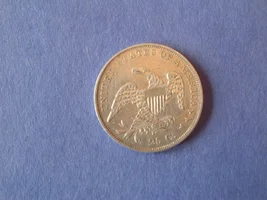
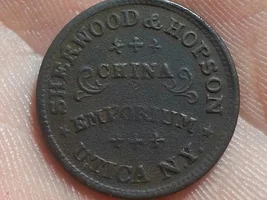
I give up for today..HELP.
Once you figure it out, it will go smooth sailing from then on.
Here’s a short instruction that might help.
When replying or making a new post, you want to see the “manage attachments” button somewhere below where you type your message. I then click in the message body where I want the image to appear. Click “manage attachments”. Then “add files” at the upper right corner.
Then “chose file”...then “browse” (if your on a desktop computer)...or “photo library” if your on a smart phone or tablet.
Select the single picture, then click “done”.
Then click “upload”
Then wait a few seconds for a number 1 to appear at the lower right hand corner where it says “insert online (0)”
Once it shows 1 ready to insert...click “insert online” then done.
It’s better to do one at a time at first, and also try to complete your entire message as quickly as possible or you will be logged out and maybe lose everything you did and will have to start over.
Yup it’s complicated, but once you figure it out, it works and really helps contribute.
Maybe play around in this thread trying to get it right...