What's new

COINS AND JEWLERY FOUND WITH OUT A METAL DETECTOR

ELVISFAN

Sr. Member
Joined
Apr 26, 2007
Messages
343
Reaction score
2
Golden Thread
0
Location
WEBB CITY MISSOURI
Detector(s) used
WHITES DFX
Primary Interest:
All Treasure Hunting
LETS TRY AGAIN
 

Attachments

  • IMG_0066.webp
    IMG_0066.webp
    135.8 KB · Views: 549
Upvote 0
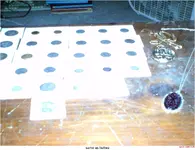
so how did you find them?
 
try editing your picture a little bit, that way we can see your picture
 
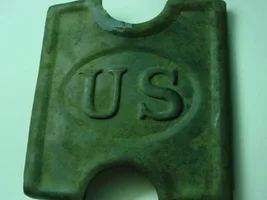
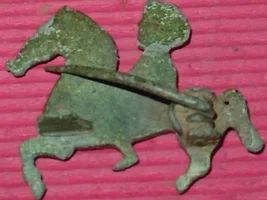
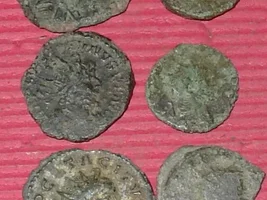
Nice collection

taking your pics outside in diffused sun light..no flash..they will come out alot crisper without the glare


Shawn
 
You might want to scan the pictures of the Coins and then take pictures of the jewerly. looks like a nice set of coins and jewerly you got there though! :thumbsup:
 
Hello,

Seems your having problems posting pictures. First lets make sure your camera is set right. Put the camera in Macro Mode.(Its the little flower Icon) Then try backing the camera off of what your taking a picture of. Don't get so close. After this you need to get a Photo editor, your computer should come with one. Like dell picture studio or Photoshop or something. If you don't have one you can download one from a google search. After that you will load your pictures into this program. You need to open the file(picture) and then edit the size 800 x 600 is usually good. Then save the photo (re-sized) and post it on treasurenet.

Keep @ it and HH!!
 
this is a really simple photo editor that i used the other day,its posted somewhere else on Tnet but not sure where

after editing..right click on photo.....save as.........put it in a folder on your comp...then you can post them with ease after

http://online-image-editor.com/
 
perhaps you could explain what the hell is going on here and why I see black spots when I look at your message
 

Users who are viewing this thread

Latest Discussions

Back
Top Bottom