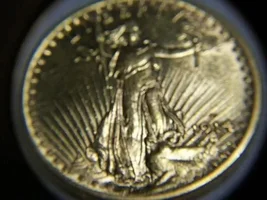
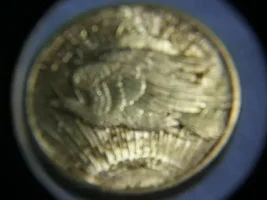
Here's whatcha can do friend. When you are ready to post a picture click on "browse" Find the pic you want and right click on it. Then, click on "open with" And select "paint" The pic should come up. Then, Ckick on "image" Then, select stretch and skew. With me? ok, then you will see a spot that has an option to change some sizing. Hit backspace and clear the 100 percent. that should then allow you to enter 50(or 25) then, below that clear that spot and enter 50- again! then hit enter. That will shrink yer pic.MAKE SURE you enter the same numbers top and bottom or you pic will look real wierd. You may have to do this twice depending on your pic sizes! Voila!~ Oh, and welcome to t-net. Yes I had these problems myself in the begining...