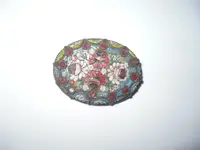
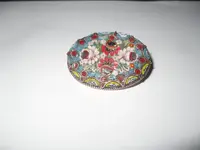
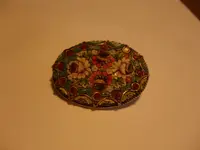
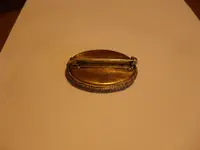
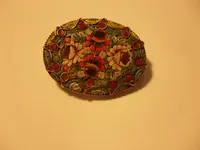
Brandon, I checked the EXIF data for the last pic, and found that the
camera chose "fluorescent" under the "White Balance" setting, and
that could be the reason for the yellowing.
If you can set the parameters yourself, try kicking the ISO up to ISO400,
as that will get you a faster shutter speed (sharper pic). Also, if you are
shooting the pic under a fluorescent light, check to see that the white balance
is set for the color temp of the lights, as fluorescent lamps can range from
"Cool White" to "Daylight" down to "Soft White", a much lower color temp.
EXIF Sub IFD
Exposure Time (1 / Shutter Speed) = 1/45 second ===> 0.02222 second
Lens F-Number / F-Stop = 30/10 ===> ƒ/3
Exposure Program = normal program (2)
ISO Speed Ratings = 100
Shutter Speed (Exposure Time) = 1/46.01 second
Aperture = ƒ/3
Max Aperture = ƒ/2.8
Metering Mode = multi-spot (4)
Light Source / White Balance = fluorescent (2)
Flash = Flash did not fire
Focal Length = 6300/1000 mm ===> 6.3 mm
Exposure Mode = auto exposure (0)
White Balance = auto (0)
Avoiding the flash is a good idea, as unless you can redirect the flash to bounce off the
ceiling the reflections from a direct flash would make capturing the shot difficult.




 Breezie